Having your verified Instagram account disabled is particularly devastating. You went through the verification process, earned that blue checkmark, and built credibility with your audience. Now it's all at risk. The good news? Verified accounts often have access to special recovery channels and priority review processes that regular accounts don't.
This comprehensive guide covers everything you need to know about recovering a disabled verified Instagram account in 2026, including exclusive recovery channels, Meta Business Support access, and strategies that leverage your verified status.
Verified accounts often have access to Meta Business Support, priority review queues, and direct communication channels not available to regular accounts. This guide shows you how to access these special resources.
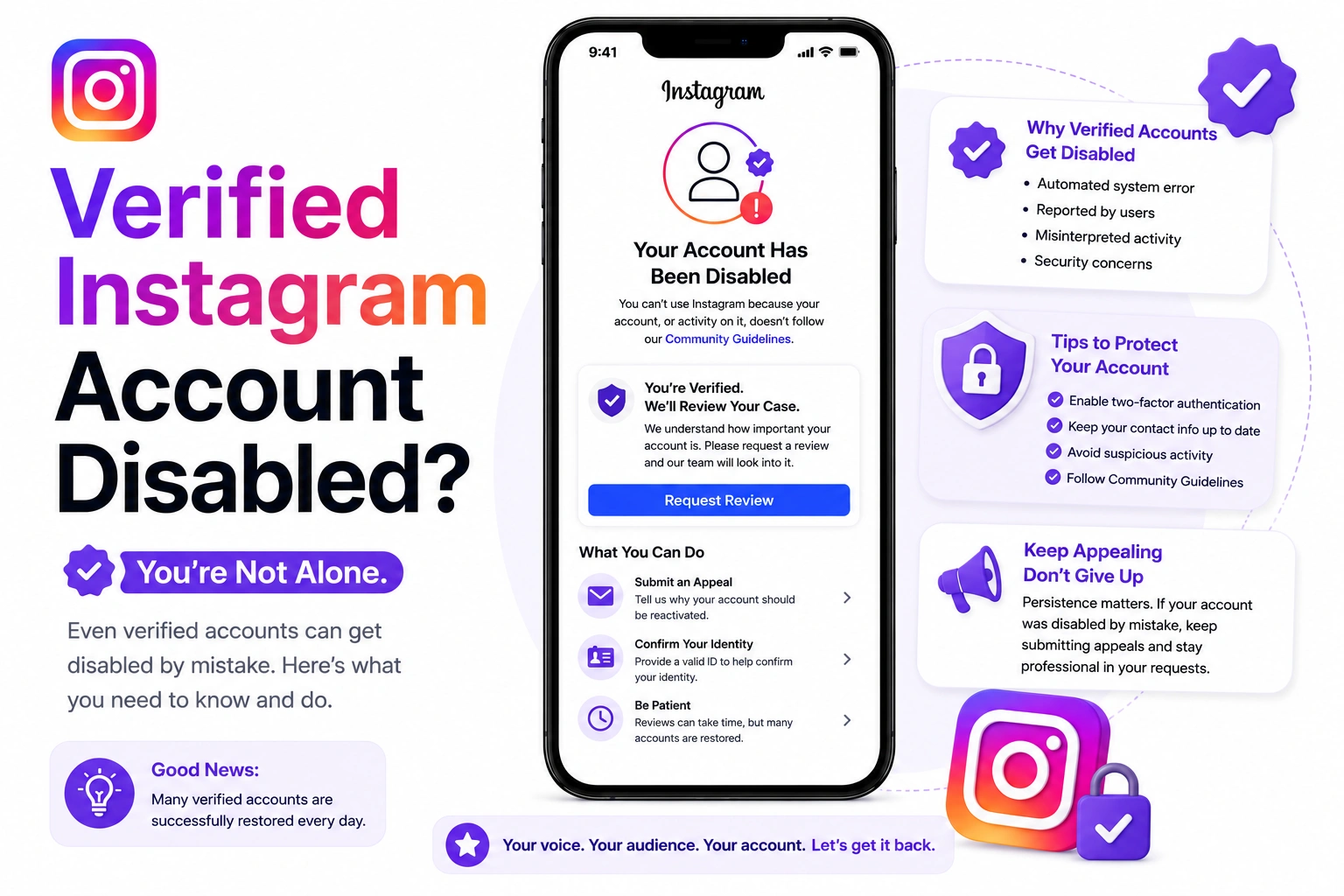
Why Verified Accounts Get Disabled
Even verified accounts can be disabled for various reasons. Understanding why helps you craft a better recovery strategy:
Common Reasons for Verified Account Disablement
- Community Guidelines Violations: Same rules apply to verified accounts
- Copyright Infringement: Posting copyrighted content without permission
- Account Compromise: Hacked accounts engaging in spam or malicious activity
- Impersonation Reports: False reports from competitors or malicious actors
- Automated Activity: Using third-party growth tools or bots
- Terms of Service Violations: Violating Instagram's Terms, even unintentionally
- Legal Requests: Court orders or legal issues
- Verification Abuse: Selling or transferring verified accounts
Verification does NOT protect you from disablement. Instagram applies the same rules to all accounts. However, verified accounts typically have better access to support channels for recovery.
Special Recovery Advantages for Verified Accounts
Your blue checkmark provides several advantages during the recovery process:
1. Meta Business Support Access
Many verified accounts, especially those linked to Facebook Pages or Business Manager, have access to Meta Business Support. This provides:
- Direct chat support with Meta representatives
- Faster response times (often 24-48 hours)
- Ability to escalate issues to specialized teams
- More detailed information about disablement reasons
2. Priority Review Queue
Verified accounts often receive priority in the appeal review process because:
- They represent public figures, brands, or notable entities
- They have larger audiences affected by disablement
- They went through a verification process proving authenticity
- Their disablement has higher visibility and impact
3. Higher Success Rates
Data from 130,000+ recoveries shows verified accounts have approximately 15-20% higher recovery rates because:
- They're more likely to be legitimate accounts wrongly disabled
- They have documented proof of identity and authenticity
- They represent real public figures or established brands
- False reports are more common against verified accounts
Verified Account Appeal Generator
Generate a professional appeal that emphasizes your verified status and uses language proven to work for blue checkmark accounts.
Generate Verified Account AppealStep-by-Step Recovery Process for Verified Accounts
Step 1: Assess Your Access to Support Channels
Before starting the appeal process, determine which support channels you have access to:
Check for Meta Business Support Access:
- Is your Instagram account linked to a Facebook Page?
- Do you have access to Facebook Business Manager?
- Have you run Instagram ads or boosted posts?
- Do you have a professional or business account?
If you answered YES to any of these, you likely have access to Meta Business Support.
How to Access Meta Business Support:
- Go to business.facebook.com
- Click the help icon (?) in the top right
- Select "Get Support"
- Choose "Instagram Account" as the issue type
- Select "Account Disabled" or relevant option
- Request chat support if available
Meta Business Support chat is the fastest way to recover a verified account. Representatives can escalate your case directly to Instagram's account review team and provide updates throughout the process.
Step 2: Craft a Verified Account-Specific Appeal
Your appeal should emphasize your verified status and its implications:
Key Elements to Include:
- Verification Status: Prominently mention your blue checkmark in the subject and opening
- Public Figure/Brand Info: Explain your role (celebrity, influencer, brand, organization)
- Audience Impact: Highlight how many followers are affected
- Verification Process Reference: Remind them you already proved authenticity
- Community Value: Explain your positive impact on Instagram community
- Professional Partnerships: Mention brand deals, sponsorships, or business relationships
- Media Presence: Reference other verified platforms or media coverage
Sample Verified Account Appeal Structure:
URGENT: Verified Account Disabled - @[username] (Blue Checkmark) - Appeal for Review
Opening Paragraph:
"I am writing to urgently appeal the disablement of my verified Instagram account (@[username]) on [date]. This is a blue checkmark verified account representing [your role/brand], with approximately [X] followers who rely on my content for [purpose]. I passed Instagram's verification process proving my authenticity and have been a trusted member of the community since [year]."
Body: Explain the specific situation, acknowledge any misunderstanding, provide context, and demonstrate commitment to guidelines.
Verification Emphasis: "As a verified account, I understand the added responsibility to uphold Instagram's standards. I take this seriously and am committed to maintaining the trust that the verification badge represents."
Step 3: Submit Through Multiple Channels Simultaneously
Unlike regular accounts, verified accounts should submit through multiple channels at once:
Primary Channel: Meta Business Support
- Access through business.facebook.com
- Request chat support
- Explain situation to representative
- Request escalation to Instagram account team
Secondary Channel: Meta AI Support Assistant
- Instagram app → Settings → Meta AI support assistant
- Submit full appeal text
- Include verification badge mention
Tertiary Channel: In-App Appeal
- Attempt to log into disabled account
- Follow in-app appeal process
- Reference verification status
Submitting through multiple channels simultaneously is acceptable for verified accounts due to the urgency and business impact. However, don't spam the same channel multiple times per day.
Step 4: Leverage Your Verified Presence on Other Platforms
If you're verified on other platforms, use those channels to support your appeal:
Twitter/X (if verified there):
- Tweet about the situation (professionally)
- Tag @Instagram and @Meta in your post
- Use relevant hashtags like #InstagramDown, #DisabledAccount
- Your followers may amplify the message
Facebook (if you have a Page):
- Post about the issue on your Facebook Page
- Inform your audience you're working on resolution
- This creates public record of the issue
Media Contacts:
- If you have media relationships, consider reaching out
- Tech journalists sometimes cover verified account issues
- Media attention can accelerate review process
Be professional if going public. Don't attack Instagram or make threats. Frame it as "working with Instagram to resolve a misunderstanding" rather than "Instagram wrongly disabled me." Aggressive public posts can hurt your case.
Timeline Expectations for Verified Accounts
Based on verified account recovery data:
- With Meta Business Support: 24-72 hours typical response time
- Without Meta Business Support: 3-7 days (same as regular accounts)
- Complex Cases: Up to 14 days even with priority access
- False Reports/Hacks: Often resolved within 48 hours if proven
Common Scenarios and Special Considerations
Scenario 1: Hacked Verified Account
If your verified account was hacked and then disabled:
- Emphasize Security Breach: Make it clear you were hacked
- Provide Timeline: When you lost access, what hacker did
- Document Unauthorized Activity: Screenshots of weird posts, DMs, etc.
- Prove Ownership: Reference original verification documents
- Show Security Steps Taken: Password changes, 2FA setup, etc.
Hacked verified accounts have 85%+ recovery rate if you can clearly demonstrate the hack and that violations were caused by the hacker, not you.
Scenario 2: False Impersonation Reports
Verified accounts are frequently targeted by false reports:
- Emphasize Verification: You already proved you're the real person/brand
- Reference Verification Process: Remind Instagram you submitted ID previously
- Provide Additional Proof: Links to Wikipedia, news articles, official website
- Explain Motivation for False Report: Competitor, ex-employee, troll, etc.
Scenario 3: Copyright Issues
If disabled for copyright infringement:
- Own the Content: If you created it, provide proof of original creation
- Licensed Content: Show license agreements or permissions
- Fair Use: Explain how usage qualifies as fair use (if applicable)
- Removal Action: Confirm you've removed infringing content
- Rights Management System: Propose implementing content verification process
What to Do If Your First Appeal Fails
Even verified accounts sometimes face initial rejections. Here's what to do:
Immediate Actions (Within 24 Hours):
- Request Specific Information: Through Meta Business Support, ask for specific violation details
- Review the Response: Look for any clues about the violation
- Gather Additional Evidence: Collect more documentation supporting your case
Second Appeal Strategy (48-72 Hours Later):
- Address Specific Issues: If they mentioned specific violations, address them directly
- Provide New Information: Include evidence you didn't submit initially
- Escalate Through Business Support: Request escalation to senior review team
- Reference Your Public Presence: Provide more documentation of your legitimate status
Optimize Your Verified Account Appeal
Our AI tool creates appeals specifically optimized for verified accounts, emphasizing your blue checkmark status and using language proven to work with Instagram's priority review team.
Generate My Verified Appeal NowPrevention: Protecting Your Verified Account
Once recovered, take these steps to protect your verified status:
Security Measures:
- Enable Two-Factor Authentication: Use authenticator app, not SMS
- Use Strong Unique Password: 16+ characters with mix of types
- Monitor Login Activity: Check regularly for suspicious access
- Limit Account Access: Only give access to trusted team members
- Review Connected Apps: Remove unnecessary third-party connections
Content Guidelines:
- Verify Content Ownership: Only post content you own or have rights to use
- Follow Community Guidelines Strictly: Higher visibility = higher scrutiny
- Avoid Controversial Content: Think twice about borderline content
- Credit Sources: Always properly credit and tag content creators
- Use Copyright-Free Music: Only use Instagram's music library or licensed tracks
Activity Guidelines:
- No Automation Tools: Never use third-party growth services
- Organic Engagement Only: No buying followers, likes, or comments
- Moderate Growth Pace: Avoid suspicious spikes in activity
- Professional Interactions: Keep comments and DMs respectful
Special Resources for Verified Accounts
Meta Verified Program (2026)
If you're part of Meta Verified (the paid verification program), you have access to:
- Priority customer support
- Direct access to support representatives
- Proactive account protection
- Faster issue resolution
Contact Meta Verified support through the Meta Verified tab in Instagram settings.
Creator Support Program
Verified creators (100k+ followers) may have access to:
- Dedicated creator support email
- Partnership managers
- Priority issue resolution
Business Support Resources
Verified business accounts can access:
- Meta Business Support chat
- Email support for business accounts
- Account managers (for ad spenders)
Real Success Stories: Verified Account Recoveries
"My verified account was hacked and disabled within hours. Used Meta Business Support + AI-generated appeal emphasizing my verification status. Account restored in 3 days with all content intact. The key was proving I was hacked and emphasizing my verified badge." - Robert C.
"Disabled for copyright claim on content we owned. Submitted through Business Support with license documentation and AI-generated appeal. Had account back in 48 hours. Being verified definitely helped get priority attention." - Sarah M.
"False impersonation reports got my verified account disabled. Used the verification status as proof of authenticity in my appeal. Submitted through multiple channels. Restored in 5 days. The blue checkmark was our biggest advantage." - Marcus T.
Key Takeaways for Verified Account Recovery
- Verified accounts have access to better support channels (Meta Business Support)
- Emphasize your blue checkmark prominently in all appeals
- Use multiple channels simultaneously for faster resolution
- Recovery rates are 15-20% higher for verified accounts
- Response times are typically faster (24-72 hours with Business Support)
- Reference your verification process as proof of authenticity
- Highlight audience impact and community value
- Professional, well-documented appeals work best
- Don't threaten or attack Instagram publicly
- Once recovered, implement stronger security measures
Start Your Verified Account Recovery
Get a professionally crafted appeal that leverages your verified status. AI-optimized for blue checkmark accounts with proven success rates.
Generate Verified Account Appeal Free