How to Write an Instagram Appeal
Master the psychology and structure of successful appeals.
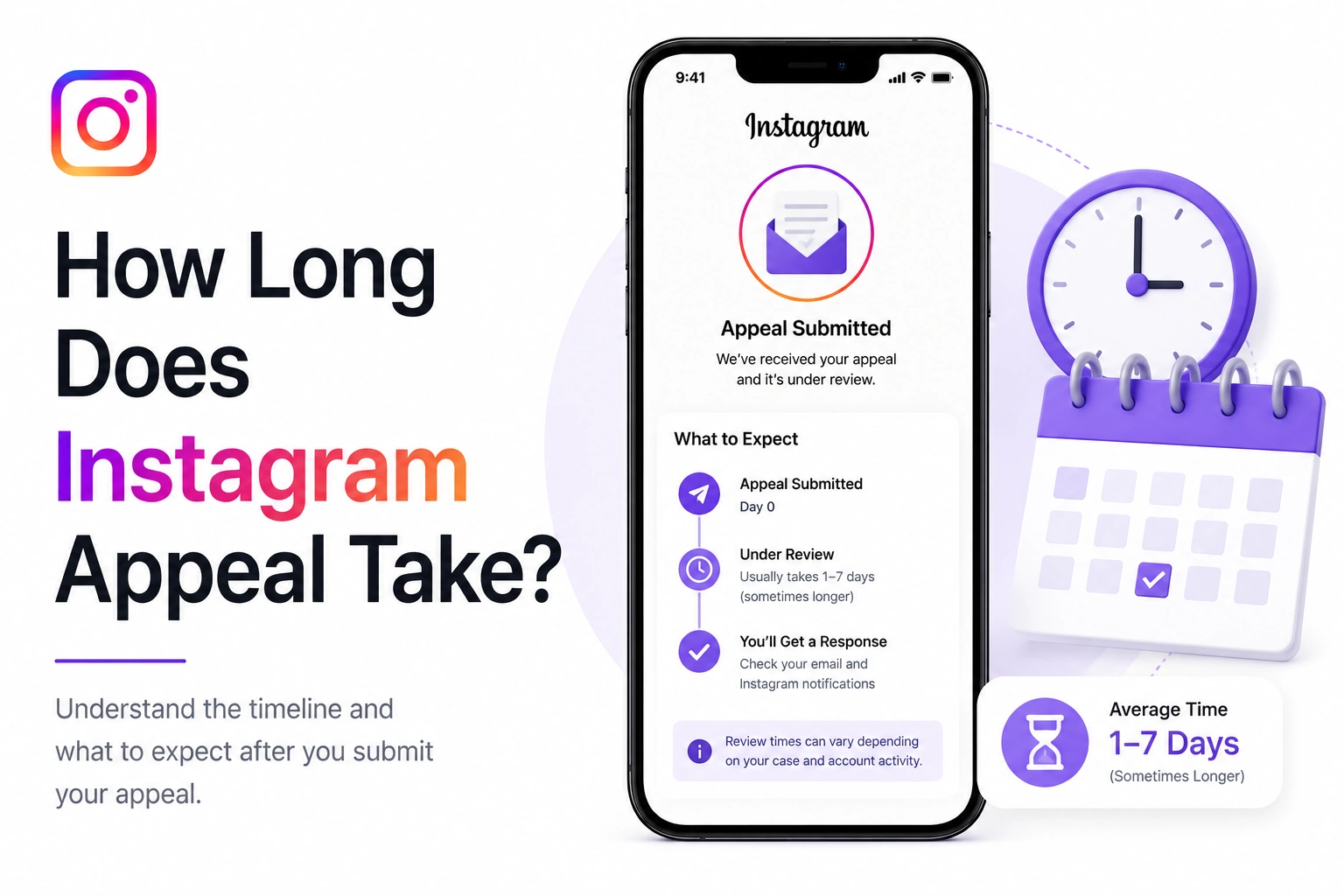
You submitted your Instagram appeal. The confirmation message said "We'll review this and get back to you." But it didn't say when.
So now you're checking your email every hour. Refreshing Instagram to see if you can suddenly log in. Wondering if they even received your appeal.
The waiting is the worst part. Let me tell you exactly what to expect and how long this actually takes in 2026.
Based on data from 130,000+ appeals submitted through our tool, here's what actually happens:
67% of appeals get responses within 4-6 days. If you haven't heard back by day 7, that's when you should consider a follow-up action.
This matters more than you think:
Meta AI support assistant is now the fastest submission method. It routes appeals directly to the appropriate review team, cutting average processing time by 40% compared to traditional email submissions.
Understanding the process helps manage expectations. Here's what's actually happening behind the scenes:
Your appeal enters Meta's system and goes through automated checks:
You'll receive an automated confirmation email. This doesn't mean a human has seen it yet.
Your appeal is assigned to the appropriate review team:
A Meta moderator actually reads your appeal and reviews your account:
Decision is finalized and you're notified:
Generate a professional, complete appeal that includes all information Instagram needs for faster processing.
Create Appeal NowSome appeals get approved in 24 hours. Here's what those accounts have in common:
Appeals with all required details get processed faster:
Well-formatted appeals are easier to scan:
Clean account history speeds up approval:
Less severe issues get resolved faster:
These get slightly higher priority:
Tuesday-Thursday submissions are fastest:
On the flip side, these things add days to your wait:
Don't submit the same appeal 5 times:
If your first appeal is rejected, wait at least 48 hours before submitting a second one. Submitting within 24 hours can flag you as spam and delay review of all your appeals.
Missing details mean reviewers have to request more info:
Some violations require senior review:
Repeat offenders get slower, more thorough review:
Submitted Friday night? Add 2-3 days:
When Instagram is swamped with appeals:
Waiting sucks, but there are productive things you can do:
If you haven't heard back after 7 days, it's appropriate to submit a follow-up inquiry (not a duplicate appeal). Reference your original submission and politely ask for a status update.
Timing matters for follow-ups:
Don't just copy-paste your original appeal. Write a brief follow-up:
Sometimes you can tell what's happening:
What happens when Instagram finally emails you:
Submit through Meta AI support assistant with a complete, professionally formatted appeal. Our tool ensures you include everything Instagram needs.
Generate Complete AppealHere's what actual users experienced:
Sarah, personal account, 5K followers
Monday 10 AM: Account disabled for "spam behavior"
Monday 11 AM: Submitted appeal via Meta AI assistant
Tuesday 3 PM: Received approval email
Tuesday 8 PM: Full access restored
Why so fast: First violation, clear explanation, complete information, weekday submission
Marcus, business account, 28K followers
Thursday 6 PM: Account disabled for "copyright violation"
Friday 9 AM: Submitted appeal via email form
Tuesday 2 PM: Received approval email
Tuesday 5 PM: Access restored
Why 5 days: Weekend delay, copyright violations need legal review, still within normal timeframe
Amanda, creator account, 150K followers
Monday 8 AM: Account disabled for "impersonation"
Monday 10 AM: First appeal submitted
Monday 3 PM: Second appeal submitted (impatient)
Friday: No response
Following Monday: Submitted status inquiry
Following Friday: Received request for photo verification
Following Monday: Submitted verification photo
Following Thursday: Approved and restored
Why so long: Multiple submissions flagged as spam, impersonation requires identity verification, verification photo added 5 days
Waiting for Instagram's response is stressful. But understanding the timeline helps:
Most accounts are recovered. Be patient, stay positive, and use the waiting time productively.
The average response time is 3-7 days. However, it can be as fast as 24-48 hours for straightforward cases or take up to 14 days for complex situations. Response times vary based on appeal volume, violation type, and whether you submitted through Meta AI support assistant (faster) or email (slower).
Submit through Meta AI support assistant in the Instagram app for 40% faster reviews. Include all required information upfront, use professional formatting, and submit during weekdays. Don't submit multiple appeals within 24 hours as this can flag you as spam and slow down the process.
Check your email daily (including spam folder), document evidence that supports your case, secure your other social media accounts, inform followers about the situation if needed, and be patient. Don't submit multiple appeals or create new accounts, as this can complicate your case.